Home
Weather New York
WeatherRadar
RainRadar
TemperatureRadar
WindRadar
LightningRadar
Weather News
Editor's Pick
Discover the app
Weather widget
Contact us
Apps
Career
Home / Editor's Pick /

Track heatwaves and cold blasts with this neat interactive tool

02:08 PM
April 26, 2022

Exploring app features
The TemperatureRadar

temperatureradar

Whether you are new to Weather&Radar or have been using the app for a while, read this article to learn more about one of the app's most exciting features. Today, our meteorologists explore the TemperatureRadar.

As part of Weather&Radar's suite of weather maps, the TemperatureRadar uses state-of-the-art weather data and machine learning technology to provide accurate and reliable temperature information. The TemperartureRadar is a powerful tool that lets users track incoming cold blasts, growing heatwaves, and sharp temperature swings for locations across the globe.

Access the TemperatureRadar

There are several ways to find the TemperatureRadar on the app on an Android device. The first option is to tap on the main menu icon at the top left of the screen and select "TemperatureRadar." Alternatively, users can find the TemperatureRadar by scrolling down on the app's home screen until they see the map — this also works for iOS devices.

Users can also open the TemperatureRadar through the WeatherRadar. To do so, scroll down on the home screen and tap on the WeatherRadar. Once the map opens, tap on the thermometer icon located at the top right (Android) or center-right (iOS) of the screen.

If you have friends or loved ones who would be interested in the TemperatureRadar, you can share it with them. Tap on the share icon at the top right (iOS) or top center (Android) and follow your phone's instructions.

Interacting with the TemperatureRadar

Once you've accessed the map, it's time to explore! Not only does the TemperatureRadar tell users how it feels outside right now, but also what's going to happen in the next few hours and even days.

The temperature forecast goes out as far as four days into the future, making planning easy. To spot the next cold blast or heatwave, select the day of interest at the bottom and use the slider to change the hour. For high-resolution, 15-minute temperature variations, users can tap on "now" at the bottom.

Need an explanation of the colors? A map legend can be found by tapping the 'i' icon in the bottom right (Android) or top left (iOS) of the screen.

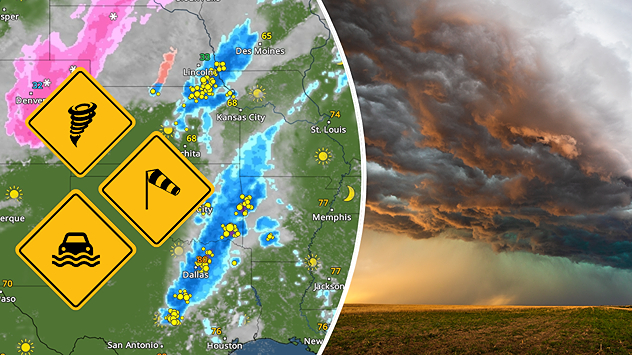
Heat, wind, and dry weather continue to support wildfire risk across the Plains. Read what's happening here.

With the TemperatureRadar, you have access to the forecast for the entire world. So if you are feeling extra adventurous, zoom out and pan across the map to a nearby town, state, or even country in search of the most extreme weather.

Weather & Radar USA editorial team
Federico Di Catarina
More on the topic
fog
Sunday, February 22, 2026

Safety tips: fog

Driving during foggy conditions
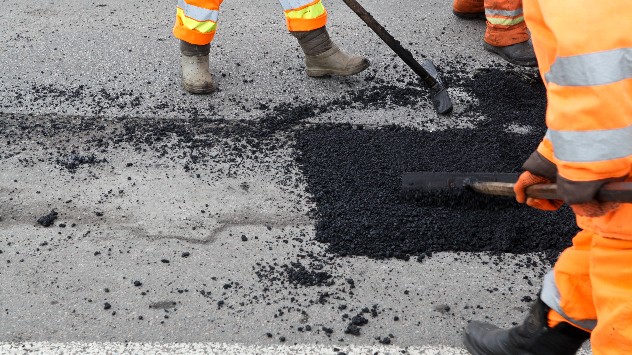
pothole repair
Thursday, February 26, 2026

Bumpy commute

Cold = spring potholes
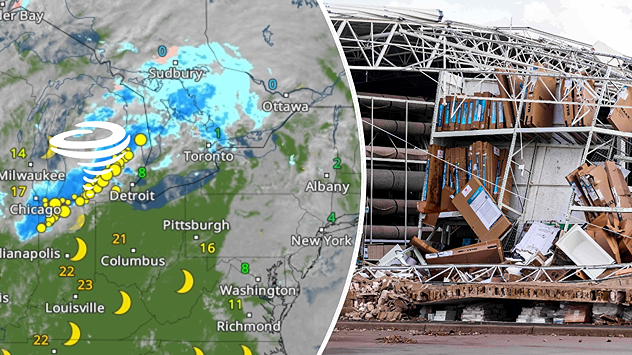
Weather radar with tornado symbol over Michigan next to photo of a destroyed building with collapsed roof and scattered debris.
Extreme WeatherSaturday, March 7, 2026

Deaths, extensive damage

Tornado in Michigan, severe outbreak continues
All weather news
This might also interest you
Big storm threat
Wednesday, March 11, 2026

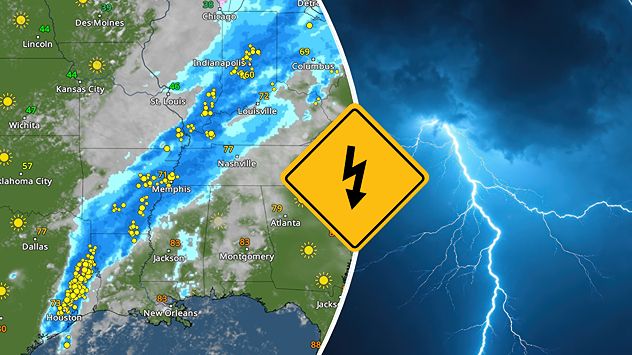
Big storms in South, East

Today's severe storm threat
Wednesday, March 4, 2026

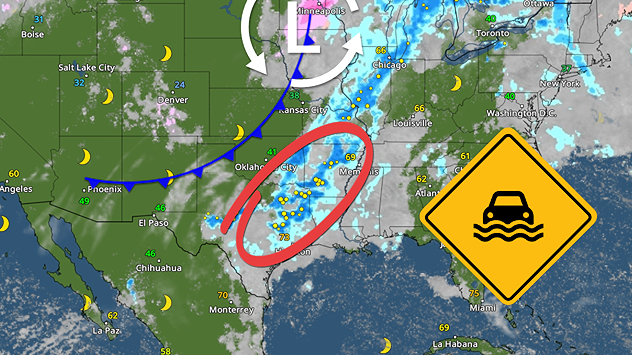
Beginning Friday

Flood risk from Texas to Mississippi Valley
Friday, March 6, 2026

Large hail and tornadoes

Severe weather threat ramping up
All articles
Weather & Radar

Weather & Radar is also available on

Google Play StoreApp Store

Company

Contact us Privacy policy Legal info Accessibility statement

Services

Uploader

Socials

instagramfacebookthreadslinkList